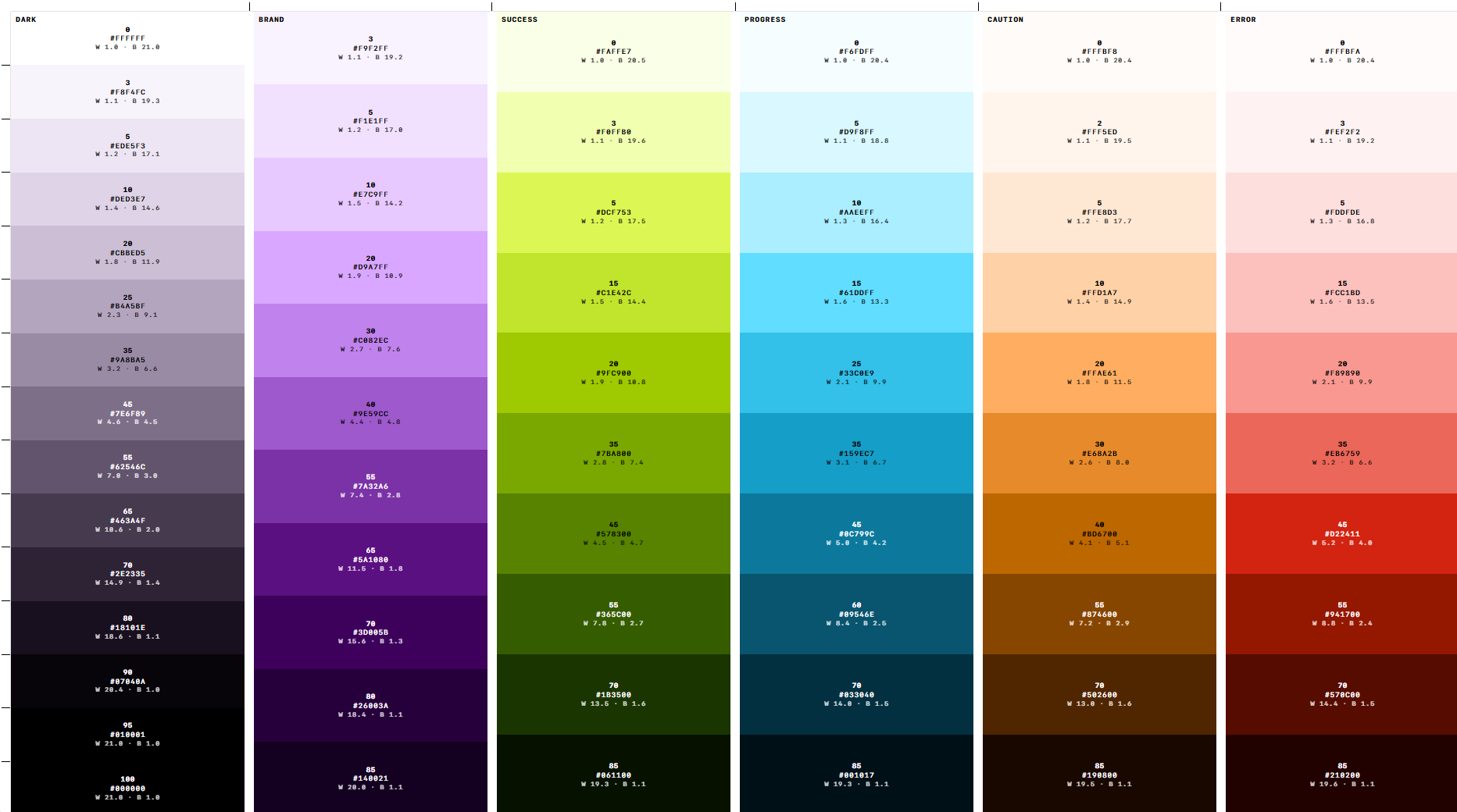
Colors is a palette builder driven by curves instead of fixed steps. Pick a base colour, then shape the ramp using three cubic Bézier curves — lightness, chroma, and hue.
No accounts, no backend. The whole document lives in the URL hash, so sharing a link shares the palette: colors.pantoine.com.
Why I Built It
Most tint and shade generators use the same rigid formula: lighten or darken a base colour in fixed increments. You can’t adjust saturation along the ramp or subtly shift hue in the shadows and highlights. The results feel flat, and dark tones quickly turn to mud.
I kept running into this while building design systems for rebrands. Ramps need to look deliberate, not computed. I built Colors around OKLCH curves to give designers full control over how colours evolve across light, mid, and dark values.
Design Decisions
Curves, not sliders. A colour ramp is a shape, not a series of increments. Three Bézier curves (lightness, chroma, hue) with unconstrained handles let you create natural peaks and arcs — like boosting mid-ramp saturation or shifting warm highlights toward cool shadows.
Sensible defaults. Curves can be intimidating, so nothing starts from a blank canvas. Chroma defaults to the natural gamut ceiling of your hue: yellow holds saturation when light, blue when dark. You get a balanced ramp immediately, using curves to refine rather than build from scratch.
The base colour stays locked. Most generators quietly drift your input colour when calculating steps. Here, locking the base colour ensures it remains exact while the curve fits around it as a mathematical constraint.
Clear gamut warnings. Wide gamut support (sRGB, Display P3, Adobe RGB, Rec. 2020) is only useful if you know when a colour clips. Each swatch includes an adaptive clipping indicator that remains legible against any background.
Where the Time Went
The core generator worked in one evening. Most of the effort went into two invisible details:
- Strict gamut mapping: Standard CSS Color 4 mapping often allows up to 9° of hue drift just to preserve negligible chroma. Because this tool is built for intentional hue steering, the search algorithm holds hue strictly within 0.5°.
- Preserving the base colour: Simply bending a fitted curve through a locked point distorted the ramp and crushed chroma. Incorporating the base point directly into the curve fit solved it cleanly without warping adjacent steps.
Neither detail is flashy, but they make the difference between a palette that looks machine-generated and one that feels hand-crafted.
Under the Hood
Built with React 19, TypeScript, Vite, and Vitest. It relies on two runtime libraries: culori for colour conversions, gamut mapping, and contrast, and color-name-list to name palettes from 30,000 curated colour names.
Exports support Hex, OKLCH, CSS variables, Tailwind, SCSS, JSON, PNG, and SVG. Ramps scale from 5 to 21 steps, configured globally or per palette.
As with my other recent projects, AI agents handled scaffolding and math implementations, leaving me free to focus on ergonomics, interaction design, and colour behaviour.